Any model, any harness
Bring Grokestrator’s own harness to any model — local or remote — or let it drive Claude and Grok directly. Match a planner, a coder, a fast local helper each to the model that suits it, and run them together in one cockpit.
Every agent on its best model.
One cockpit.
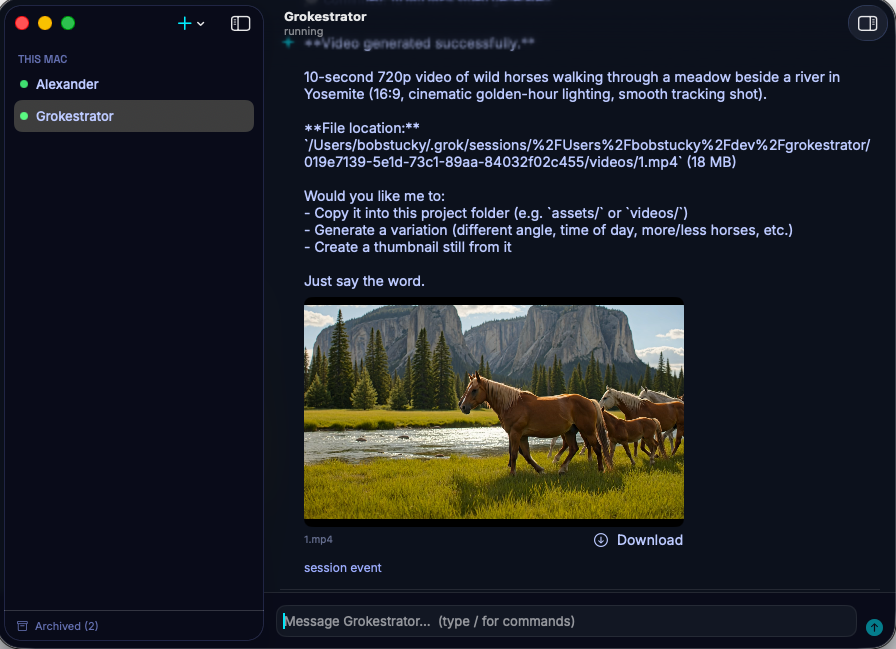
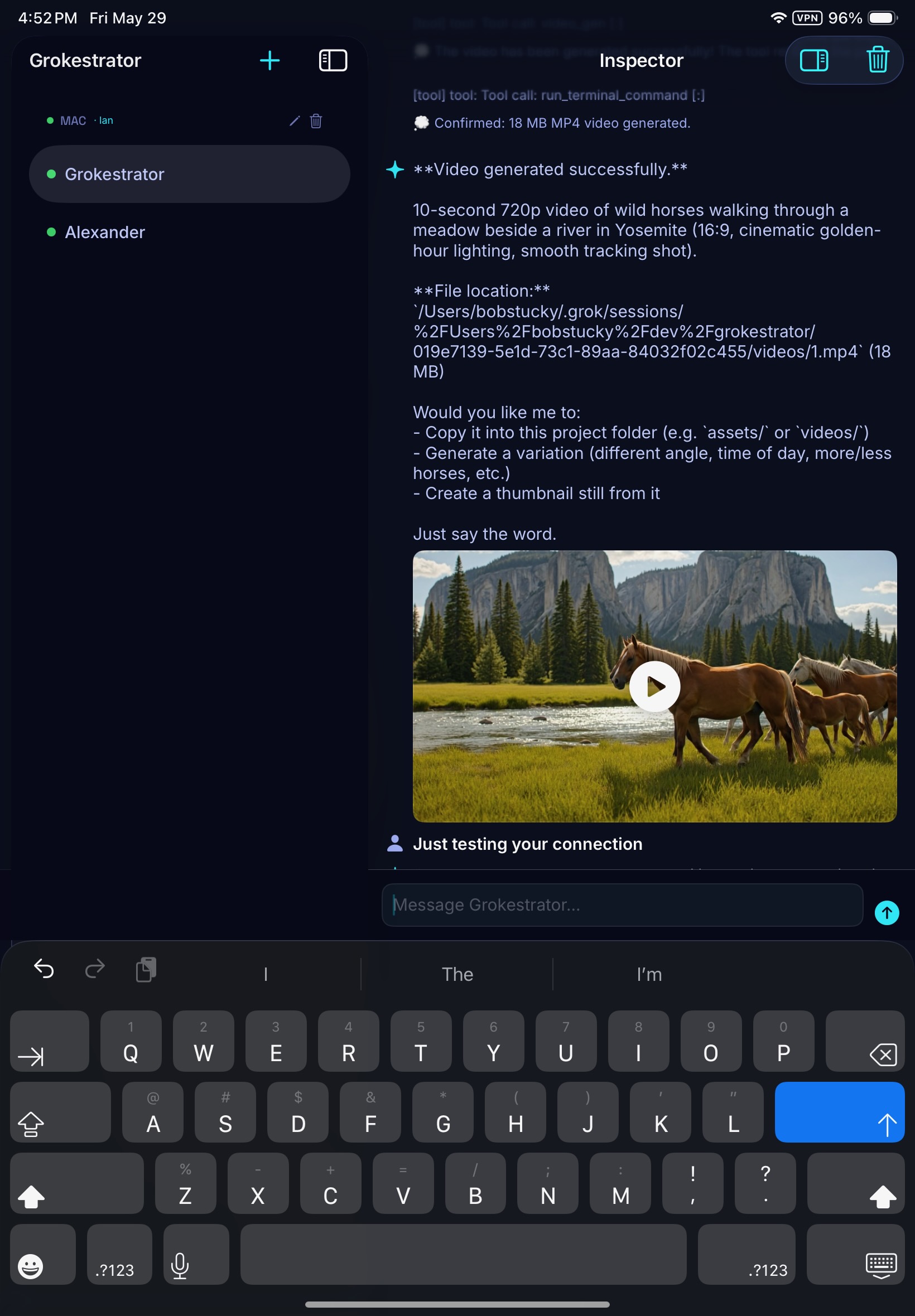
Grokestrator is a flexible AI harness. It drives other harnesses — Claude, Grok — and brings its own harness for any model you like, local or remote. Match each agent and sub-agent to the model best suited to its job, and run them side by side. Mac, iPad, iPhone — the same live sessions, anywhere on your local or Tailscale network. And yes, those videos still play in the app.
An agent is only as good as the model behind it, and no single model is best at everything. So let a planning agent run on one model, a coding sub-agent on another, a fast local model on a third — each matched to purpose. Grokestrator gives you complete visibility into every sub-agent as it works, and when a session finishes, an AI summary of the result — fully searchable, and ready to fold straight back into whatever you’re working on next. Launch it all from the Mac, check it on your iPhone while you’re out.
The problem
A single agent is locked to a single model in a single window. But planning, coding, fast lookups, long-context synthesis — each wants a different model, sometimes a different harness entirely. And once a sub-agent runs, its work vanishes into a transcript you can’t see into or search. You need something that treats agents, their models, and their results as first-class.
“Grokestrator matches every agent and sub-agent to the model best suited for its purpose — pulling in other harnesses like Claude and Grok, or its own harness to any local or remote model. You watch each sub-agent work in full, and every finished session becomes an AI-written, searchable summary you can drop straight into your current context — on whatever device you’re holding.”
The solution
Bring Grokestrator’s own harness to any model — local or remote — or let it drive Claude and Grok directly. Match a planner, a coder, a fast local helper each to the model that suits it, and run them together in one cockpit.
Native clients on every Apple device, the same live sessions over your tailnet. Start a run on the Mac, watch it from the iPhone while you’re out. Rich media — images, video, audio, PDFs — inline, everywhere.
Complete visibility into every sub-agent as it runs. When a session finishes, Grokestrator writes an AI summary of the result — fully searchable across everything you’ve run, and ready to fold back into your current context.
Define the work as agents and sub-agents. For each one, pick the model that fits — a frontier model for planning, a fast local model for grunt work, a specialist for code — and pick the harness: Grokestrator’s own connection to any local or remote model, or an external harness like Claude or Grok.
Run them side by side, each in its own sidebar tab. Grokestrator gives you complete visibility into every sub-agent as it works — no black boxes, no lost threads. Switch between them like browser tabs: refactor in one, research in another, synthesize in a third.
Point the iPad or iPhone at your Mac over the tailnet and you see the same tabs, the same live transcripts. Ask any agent to imagine something and the image, video, audio, or PDF arrives inline, on whichever device you’re holding. Permission prompts pop wherever you are.
When a session wraps, its result becomes an AI-written summary — searchable across every session you’ve run, and one click from being folded back into your current context.
Match every agent to its model. See everything. Keep every result. One cockpit.
Built by SourcePath Labs • A flexible AI orchestration harness